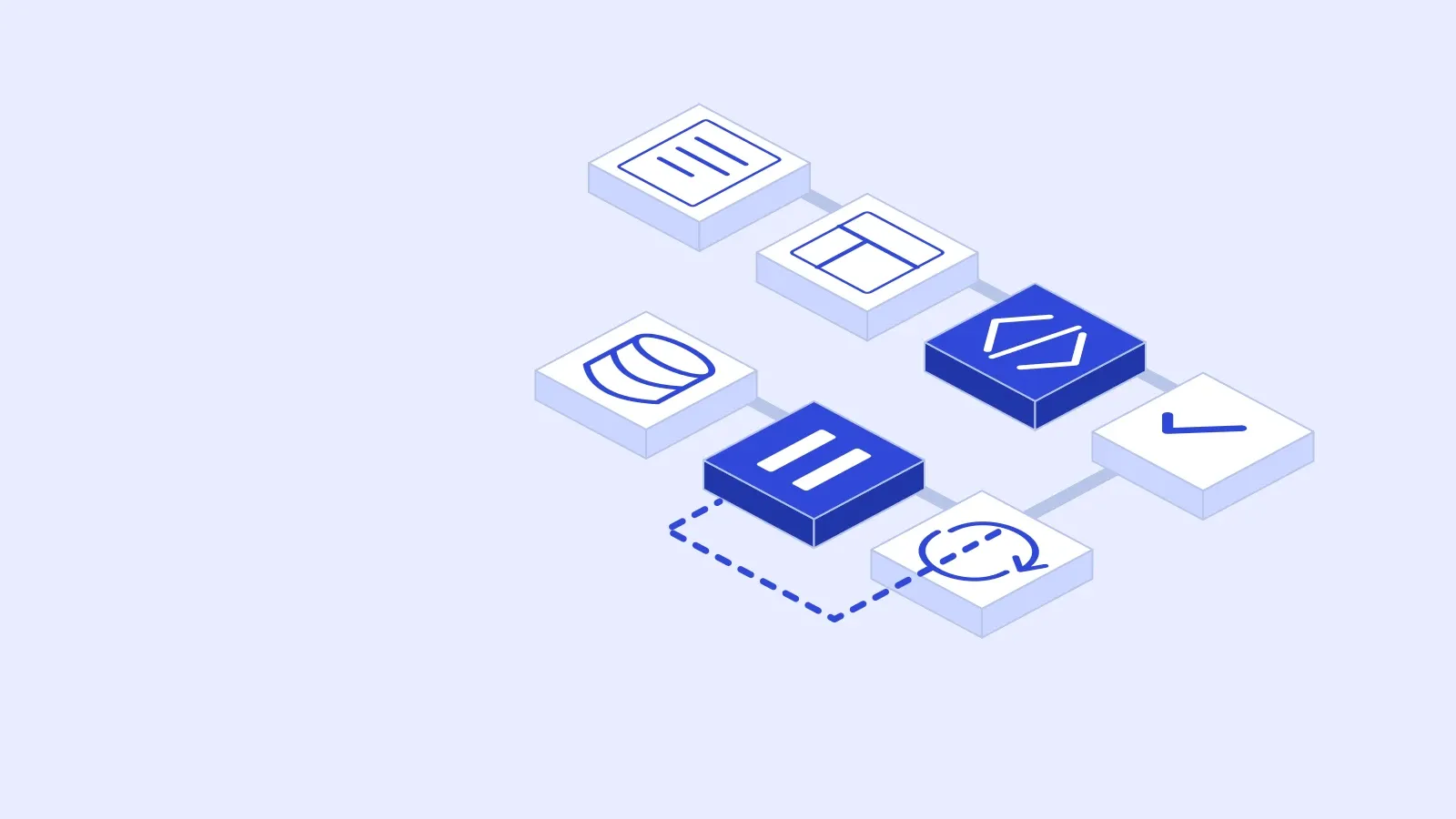
An AI software factory connects requirements, planning, implementation, validation and delivery in a repeatable workflow. Agents can carry out coding and testing tasks within that workflow. People still need to define what the software must do, control access and decide whether the release evidence is sufficient.
The idea becomes useful when each stage has an observable output and a clear owner. A chain of prompts that produces code without checking its behaviour leaves the hardest delivery questions unanswered.
1. Define The Requirements
Describe the user's task, the expected outcome and the constraints. Write acceptance criteria that another person could check without needing to interpret the original conversation.
For a hypothetical customer portal, “customers can approve a quotation” is only a starting point. Specify who can see the quotation, which version is approved, how the approval is recorded and what happens if the customer submits twice. Those details determine both the implementation and the tests.
Keep unresolved questions visible. An agent should have a way to stop when a missing business decision prevents responsible progress.
2. Plan The Work
Identify dependencies and divide the scope into changes that can be reviewed. Give each task the relevant code, requirements and documentation. Limit access to the systems needed for that task.
Plan shared interfaces before independent implementations depend on them. If two tasks change the same data contract, assign responsibility for the contract and agree on how the changes will come together. Parallel work helps only when the resulting pieces still fit.
Our multi-agent AI guide covers how to decide whether separate agents are useful for a particular workload.
3. Build In Isolated Workspaces
An implementation task needs a reproducible starting point. Record the source revision, dependencies and relevant configuration. Use isolated development resources so experiments cannot alter production records.
Require a working change and a concise account of what it does. The reviewer should be able to see the affected behaviour, important choices and known limitations. Generated code volume is a poor substitute for that evidence.
Build and static checks provide early feedback, but they cannot establish that the product does the right thing for its users.
4. Validate The Behaviour
Check the change against the agreed requirements. For the quotation example, inspect permissions, version handling, durable storage and duplicate submissions. Include the recovery path when a dependency fails.
Keep critical acceptance criteria under separate control from the implementation task. A builder that can weaken every failing test can make a broken change appear successful. Review test changes as carefully as application changes when they alter the meaning of acceptance.
AI agent evaluations add another layer when the product itself uses agents. They can check whether an agent completed its task and stayed within its allowed actions.
5. Repair With A Stopping Condition
Return specific failure evidence to the implementation stage. Include what happened, what was expected and the conditions that produced the failure. Run the relevant checks again after a repair.
Set a retry limit and a spending limit before the loop starts. Repeated failure may indicate an unclear requirement, an unavailable dependency or a flawed design. Those cases need a decision, rather than an indefinite sequence of code changes.
Preserve the history of failed attempts so the next reviewer can understand why a proposed fix was chosen.

6. Approve And Release
Review the exact version proposed for deployment. The release record should identify the checks completed, unresolved risks, operating owner and recovery approach.
Deployment permissions should be separate from ordinary build permissions. A successful test run can make a version ready for review. Whether it should go live also depends on data changes, configuration, timing and support readiness.
Our software handover checklist covers the access and operating information needed after development finishes. A code rollback should not be assumed to undo a database migration or an external action.
7. Monitor And Improve
After release, review errors, user feedback and whether the intended task is being completed. Feed specific findings back into requirements and regression checks.
For a first pilot, choose a bounded internal feature with a clear acceptance test and manageable failure consequences. Compare reviewed delivery time, escaped defects, rework and total cost with the existing process. Expand only when the evidence supports it.
SparkCode's digital product service brings discovery, implementation and delivery planning together around a useful first release.